


QuickBooks Online Accounting Integration – Benefits, Challenges & Implementation Guide
In today’s fast-paced digital business environment, managing finances manually or across disconnected systems can lead to inefficiencies, errors, and lost opportunities. QuickBooks Online Accounting Integration enables businesses to automate financial workflows, synchronize data across systems, and gain real-time insights into their financial health.
What is QuickBooks Online Integration?
QuickBooks Online integration allows your application (eCommerce, CRM, ERP, POS, or custom software) to connect with QuickBooks using APIs. This enables seamless data exchange such as invoices, payments, customers, vendors, and reports between systems.
The QuickBooks Online API is built on REST architecture using HTTP and JSON, allowing developers to easily integrate financial data into applications.
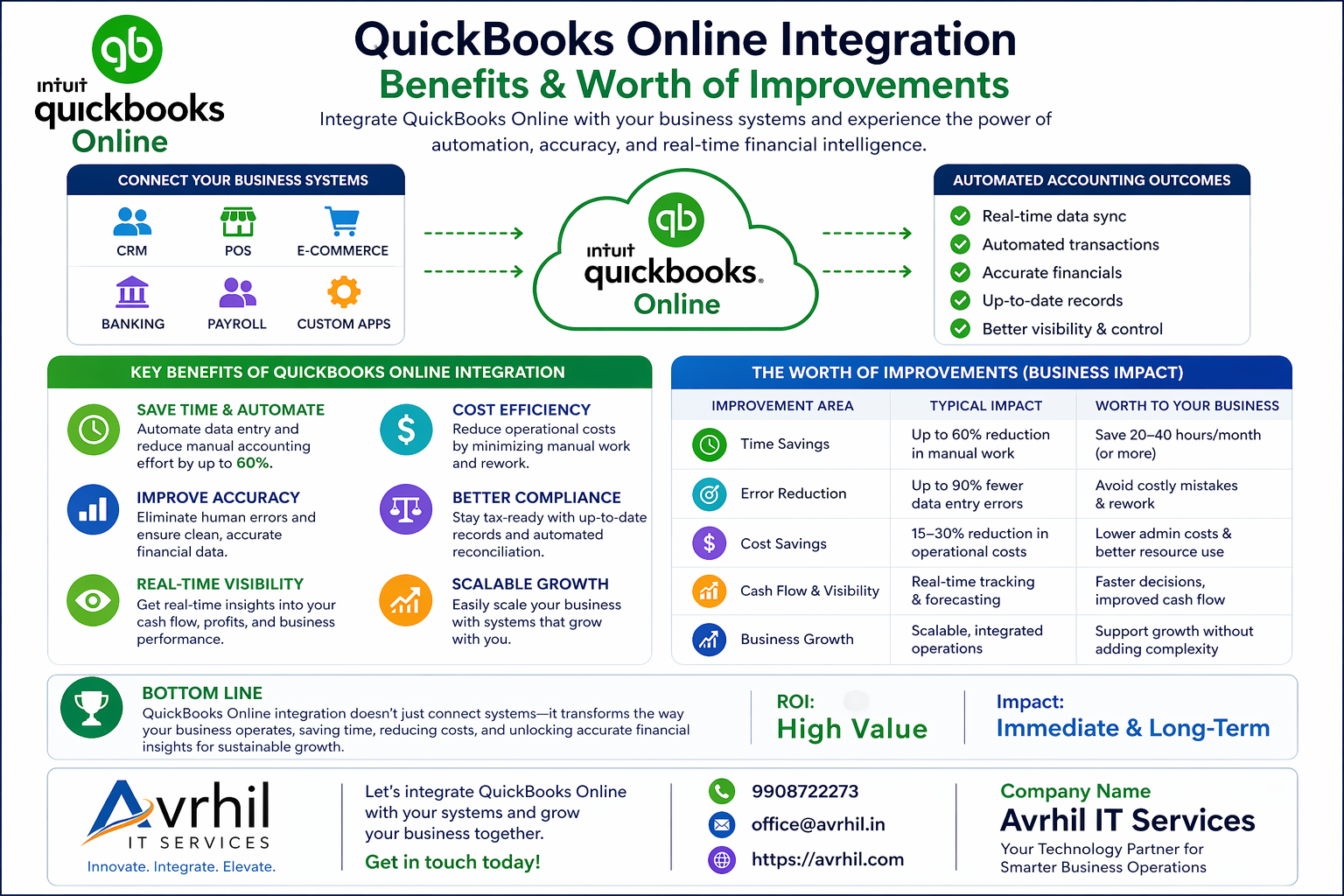
Key Benefits of QuickBooks Online Integration
- 1. Automation of Financial Processes
Automates invoicing, payroll, expense tracking, and reporting, reducing manual workload. - 2. Real-Time Data Synchronization
Keeps financial data updated across all platforms instantly, improving decision-making. - 3. Elimination of Manual Data Entry
Avoid duplicate entries and human errors by syncing data automatically. - 4. Improved Business Efficiency
Integration reduces operational friction and increases productivity. - 5. Better Financial Visibility
Access consolidated financial reports, cash flow insights, and analytics in real time. - 6. Scalable Ecosystem
QuickBooks supports integration with 750+ apps including Shopify, PayPal, CRM systems, and more.
Drawbacks Without Integration
Businesses that do not integrate QuickBooks with other systems face several operational and financial challenges:
- Manual Data Entry & Errors
Re-entering data across systems leads to errors and wasted time. - Disconnected Systems
Lack of synchronization results in inconsistent financial records. - Delayed Reporting
Financial reports are not real-time, affecting decision-making. - High Operational Costs
Increased manpower required to manage accounting tasks manually. - Limited Scalability
As business grows, manual processes become unsustainable. - Spreadsheet Dependency
Businesses rely heavily on spreadsheets, increasing risk of data inconsistency.
How QuickBooks Online Integration is Achieved
Step 1: Create Intuit Developer Account
Sign up on the Intuit Developer portal and create a workspace for your application.
Step 2: Create an App
Configure your application and select required scopes such as accounting or payments.
Step 3: Setup OAuth 2.0 Authentication
Implement OAuth authentication to securely connect users' QuickBooks accounts.
Step 4: Use QuickBooks API
Use REST APIs to perform operations such as:
- Create/Update Invoices
- Manage Customers & Vendors
- Track Payments & Expenses
- Generate Financial Reports
Step 5: Data Synchronization
Implement bidirectional sync between your system and QuickBooks to keep data consistent.
Step 6: Testing with Sandbox
Use QuickBooks sandbox environment for testing before going live.
Use Cases of Integration
- eCommerce platforms syncing orders and payments automatically
- CRM systems generating invoices upon deal closure
- Payroll systems syncing salary data into accounting
- Custom SaaS platforms providing financial analytics using QuickBooks data
Conclusion
QuickBooks Online Integration is no longer optional for growing businesses. It plays a crucial role in automating financial operations, reducing errors, and enabling data-driven decisions.
Without integration, businesses face inefficiencies, inaccuracies, and scalability issues. With proper API implementation, organizations can build a seamless financial ecosystem that supports long-term growth.
Need QuickBooks Integration?
Avrhil IT Services
📞 +91 9908722273 (WhatsApp Available)
📧 office@avrhil.in
🌐 https://avrhil.com